I’m a happy user of the iSpring Suite. I find it fantastic and so easy to use. It converts your PowerPoint presentations into SCORM in a breeze. All your animations, even the most complex, are accurately translated into SCORM. You can use iSpring to create exams and quizzes with their Quiz Maker that is part of the Suite.
Unfortunately, we are phasing out iSpring and transitioning to Articulate.
Of course, Articulate QuizMaker is not able to open the QUIZ files created with iSpring.
From the iSpring Quiz Maker is possible to export only in Microsoft Word format. (Better than nothing.)
So I tried to find a possible alternative way of exporting data from it without using the Suite.
I noticed that the QUIZ file is a ZIP file just with a different extension. Inside the archive all the text of the questions is contained in the document.json file.
Unfortunately, the structure of the file is not so simple: it’s crazy. I needed to use different AIs to make sense of it, and I reached a good approximation.
Of course, my project is totally experimental, but at least it is open source and licensed under the GNU Affero General Public License.
This program is distributed in the hope that it will be useful, but WITHOUT ANY WARRANTY; without even the implied warranty of MERCHANTABILITY or FITNESS FOR A PARTICULAR PURPOSE.
A couple of months ago, ISC2 chose me (and many others) to help expand the certification exam question pool for the CC certification (Certified in Cybersecurity).
The process is fascinating, and they even have a special training course to help exam item writers understand it. Of course, because I signed a long and complex NDA, I’m not able to talk about its contents.
I already have hands-on experience writing certification exams based on multiple-choice questions, following the recommendations of some papers I found around and the precious book of Melissa Fein that I reviewed in this article: Do you need to develop a test and you do not have any clues?
The surprising and reassuring fact is that it is pretty similar to a methodology I created from scratch years ago to rewrite some certification exams when I joined the company I work for. That was proof I was not so much off the beaten path.
Anyway, I became even more interested in multiple-choice exam writing skills, so I searched for other material on this topic.
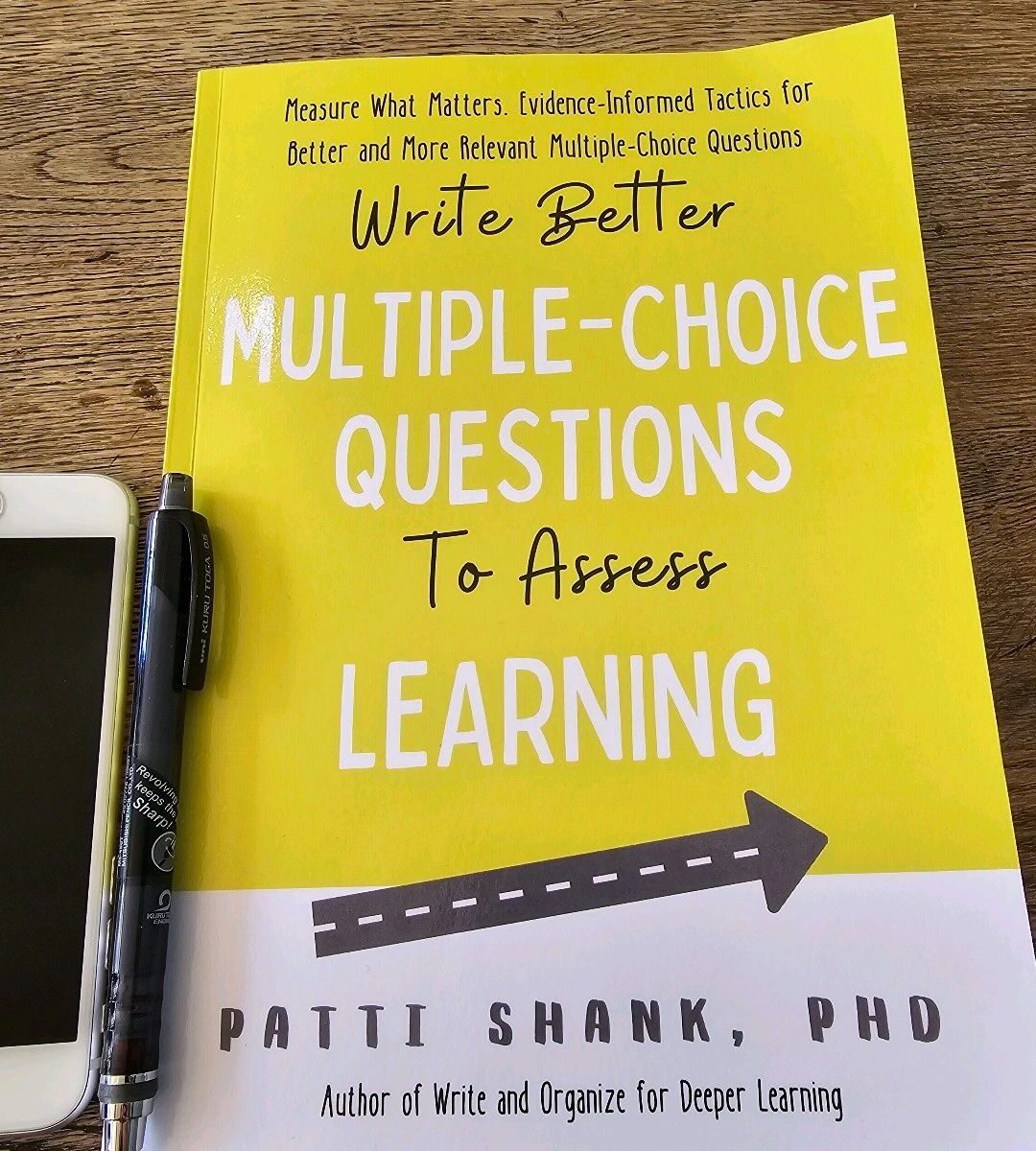
I found a fascinating book that I’d like to recommend: “Write Better Multiple-Choice Questions to Assess Learning: Measure What Matters—Evidence-Informed Tactics for Multiple-Choice Questions.“ by Patty Shank, PhD
The book is well structured, simple to read, based on scientific evidence, and includes exercises. It simplifies all the academic jargon around this complex topic. The author read all the most relevant papers and distilled the knowledge for you.
So, if you are interested in writing multiple-choice exams or if you’re already doing them, this book is definitely a must-read.
I just released version 0.2 of the NoInk.ps1 Powershell script to remove ink annotations from your PowerPoint slide decks.
When I teach online, and sometimes in presence as well, I use a lot of my Wacom ONE graphic tablet to draw on my PowerPoint slides. Generally, I save them so I do not lose the annotations during the breaks.
This tool helps you to remove all the ink annotations from all your slides decks automatically so they return clean and ready for the next training.
I wrote this tool in PowerShell and I tried it on Windows 7 x64 SP1 and Windows 10, using PowerShell 5.1 and Office Plus 2013 and Office 2019
This new version includes some nice improvements. I added a couple of optional parameters:
ShowAll: If specified all the objects found in every slide are enumerated but only the objects of type msoInk and msoInkComment are removed
DryRun: If the parameter is specified no objects are deleted
The usage is really simple:
From the PowerShell command line:
.\NoInk.ps1
It removes the Ink Annotations from all the .pptx files found in the current directory.
.\NoInk.ps1 myPresentation.pptx
It removes the Ink Annotations from the specified file.
.\NoInk.ps1 C:\Users\mzuppone\Desktop
Removes the ink annotations from all the slide decks (.pptx files) found in C:\Users\mzuppone\Desktop
.\NoInk.ps1 C:\Users\mzuppone\Desktop -DryRun
All the slide decks (.pptx files) found in C:\Users\mzuppone\Desktop are processed but no shapes are deleted from them
.\NoInk.ps1 myPresentation.pptx -ShowAll
Removes the ink annotations from the file myPresentation.pptx and shows all the shapes type found in every slide
When I teach online I use a lot my Wacom graphic tablet to draw on my PowerPoint slides. Generally, I save them to do not lose the annotations during the breaks.
This tool helps you to remove all the ink annotations from all your slides decks automatically so they return clean and ready for the next training.
The tool is written in PowerShell and I tried it on Windows 7 x64 SP1 and Windows 10, using PowerShell 5.1 and Office Plus 2013 and Office 2019
The usage is really simple:
From the PowerShell command line:
.\NoInk.ps1
It removes the Ink Annotations from all the .pptx files found in the current directory.
.\NoInk.ps1 myPresentation.pptx
It removes the Ink Annotations from the specified file.
.\NoInk.ps1 C:\Users\mzuppone\Desktop
Removes the ink annotations from all the slide decks (.pptx files) found in C:\Users\mzuppone\Desktop
As you may have noticed, if you had a look to my videos, I’m a big fan of Camtasia by TechSmith: I started to use it ages ago, I keep using it and I actively participate to the user forums as well.
One year ago they introduced Video Review, a totally online product that enables your team to review video materials before publishing it.
I was so lucky to be able to take part to the beta version testing phase of it and, at the end of the trial testing period, TechSmith offered my company to buy the subscription for a really good discounted price but…the usual stingi…ehm “budget constraints” prevented me to buy it.
After changing division I spend more time deploying training than producing them but, just recently, I was involved in a video project to make some courses available on-line due to the COVID-19 issue.
So I immediately thought again about this tool and, I was pleased to discover that TechSmith is offering an extended and generous trial period of 120 days! So I decided to seize the moment and embrace it again.
So, without any further ado, what is Video Review exactly?
Video Review is a totally online tool from TechSmith, subscription-based, that enables your team to review interactively your videos before to publish them.
The usage is really simple: after logging in to the platform just upload your video and name it, then you can invite your reviewers.
They will receive an invitation email. The first time they may need to create a login with the TechSmith portal if they do not have it. [I noticed some integrations are possible with Gmail accounts but I have not explored them yet]
It is possible to leave comments while you play the video, all the comments will be visible on the right pane and a bookmark is displayed on the timeline as well.
But the good part is that it is possible to leave comments drawing on the videos as well. Some tools are available: Square, arrow &freehand line tools. The last one is to change the colours of the element you draw.
With the help of these tools, you can draw on the video to add more ‘intuitive’ meaning to your comments.
Every time you leave a comment the author of the video and the reviewers receive an email.
The author can reply to the comments, mark them ”resolved” and eventually upload a new version of the video for another round of reviews.
How much it cost?
The actual listed price is 167.62 £ (GBP) per year and it comes with:
Ability to manage up to 25 video projects at a time
No bandwidth or file-size limits
Free email and phone support
Currently available in English only
Ability to purchase multiple licenses for teams
What do I think about it?
I love it and I reccomend it to everyone has the need to collaborate with other in the review process of video materials.
If you do not want to be plagued by the ‘infinite jest’ of threaded ‘reply to all’ emails about your videos, with incredible lengthy threads that not even the most sophisticated AI engine can understand, Video Review is what you need!
NOTE: This is not a sponsored article. TechSmith has not proposed to review their products and no one paid me to promote them. I wrote this review because I genuinely like the product.
if you need to write a test or a certification exam, this is the book that you need.
Before to discover it I spent a lot of time on the Internet looking for papers, websites and other sources and I ended up to read loads of different documents.
This book has everything you need in a single place. Really useful and immediate.
It has a perfect balance between theory and practice.
In the last chapter, it even guides you, step-by-step, in the creation o Excel statistical reposts to measure the validity of your tests.



 Square, arrow &freehand line tools. The last one is to change the colours of the element you draw.


